Flotiq + Google Search Console
Use Google Search Console with Flotiq to improve content visibility.
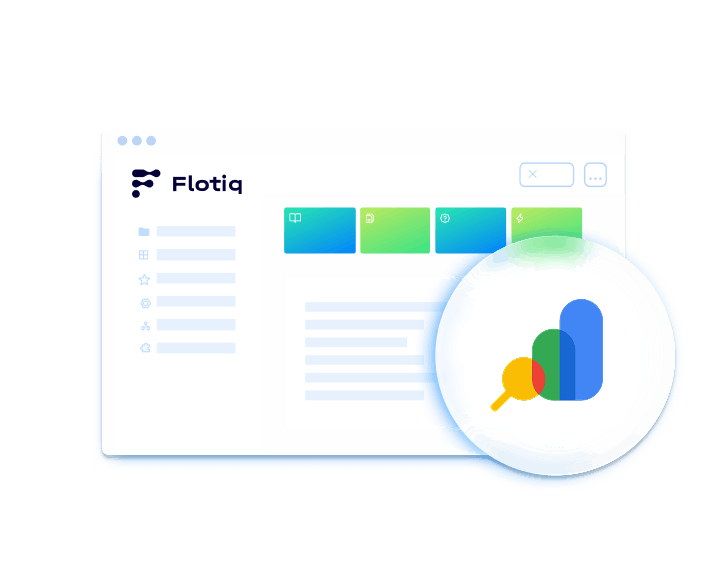
About Google Search Console
Google Search Console is a free tool from Google that helps you monitor, maintain, and troubleshoot your website’s presence in Google Search. Combined with Flotiq, it gives teams a clearer view of how content-driven pages perform in search and where to improve visibility, indexing, and click-through rates.
How Google Search Console works with Flotiq
Flotiq manages structured content, while Google Search Console provides search performance and indexing insights for the pages built from that content. By connecting page-level search data with your content model, teams can see which pages attract impressions and clicks, which queries drive visibility, and where indexing or technical issues may affect discoverability. With this setup:
 Flotiq structures and delivers content via API
- Google Search Console tracks search visibility and performance
- SEO data can be connected to content-driven pages
- Insights support content updates and optimization decisions
This creates a feedback loop between content creation and search performance.
Common use cases

Monitoring SEO performance of content-driven websites
Track how pages built with Flotiq perform in Google Search.

Optimizing landing pages and blog posts
Use search performance data to improve visibility and click-through rate.

Analyzing search queries and CTR
Understand what users search for and how your pages perform in results.

Detecting indexing and technical SEO issues
Identify problems that may limit discoverability in search.
Why use Google Search Console with Flotiq
- Data-informed content optimizationImprove content based on search queries, impressions, and clicks.
- Better visibility into SEO performanceTrack how your site and pages perform in Google Search.
- Page-level content insightsSee how specific pages and content types perform.
- Earlier issue detectionSpot indexing and technical SEO issues sooner.
- A strong fit for content-driven websitesUse search insights to guide updates across structured content.
What you need before you start
Before integrating Google Search Console with Flotiq, make sure you have:

A Flotiq account with published content
Create your account and make sure the pages you want to monitor are live and accessible.

A verified property in Google Search Console
Verify ownership of your website in Search Console before accessing data.

Access to your website’s search performance data
Make sure you have permission to view the property’s reports and metrics.

Defined content-to-page mapping
Decide how search performance data should map back to pages and content entries in Flotiq.
Explore more integrations
Discover other tools you can connect with Flotiq to build flexible, scalable content workflows. From payments and automation to hosting, AI, and SEO. Flotiq integrations are designed to fit your stack, not replace it.








 Flotiq. All Right Reserved 2026


