n8n + Flotiq
Build flexible automation workflows around your Flotiq content. Use Flotiq as a structured content source and n8n to automate syncing, enrichment, notifications, and custom workflows with more control than typical no-code tools.
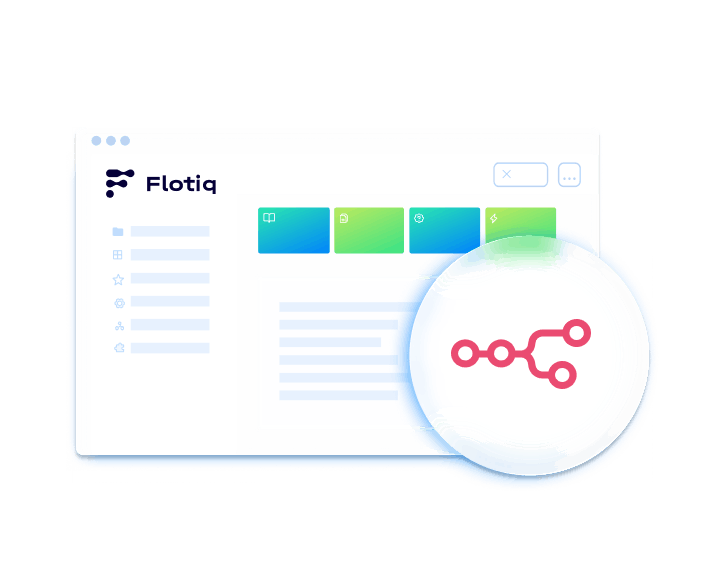
About n8n
n8n is a workflow automation platform designed for teams that need more flexibility in how workflows are built and run. Combined with Flotiq, it helps you move content between systems, react to content events, and build custom automations around your API-first content model. n8n supports both cloud and self-hosted setups, while Flotiq exposes structured content through APIs.
How n8n works with Flotiq
Flotiq provides structured content through REST and GraphQL APIs, while n8n orchestrates workflows that read, transform, and send data between Flotiq and other systems. Flotiq’s own n8n documentation shows connecting through HTTP request nodes with header authentication using a Flotiq API key. With this setup:
 Fetch content from Flotiq via API
- Trigger workflows from events or schedules
- Transform, enrich, or route content data
- Connect Flotiq with internal and external systems
This setup is ideal for advanced content automation where teams need more control over logic, routing, and integrations.
Common use cases

Advanced content synchronization between systems
Keep Flotiq content aligned with external platforms, internal tools, or downstream services.

Custom publishing and approval workflows
Build multi-step automations for review, publishing, notifications, or content distribution.

Data enrichment and transformation pipelines
Process Flotiq content before sending it to other tools, channels, or applications.

Integrations with internal tools and services
Connect Flotiq to custom back-office systems, APIs, or operational workflows.
Why use n8n with Flotiq
- Greater workflow flexibilityDesign workflows with branching logic, transformations, and custom steps instead of relying only on simple trigger-action patterns. n8n positions itself around flexible logic and extensibility for technical teams.
- Cloud or self-hosted deploymentRun workflows in n8n Cloud or self-host them when you need more infrastructure control. n8n’s docs explicitly provide both options and note that self-hosting is suited to users comfortable managing servers and configuration.
- Strong fit for API-first contentUse Flotiq’s generated APIs and documentation as a reliable source for workflow automation and system-to-system exchange. Flotiq documents its API-first approach and generated API docs.
- Built for technical teamsUse native nodes, custom logic, and more advanced automation patterns where lightweight no-code tools may be too limiting. n8n markets itself as a platform for technical teams and emphasizes extensibility.
- Scalable automation patternsHandle repeatable content operations, integrations, and orchestration workflows from a central automation layer.
What you need before you start
Before integrating n8n with Flotiq, make sure you have:

A Flotiq account with API access
Create your account and make sure the content types and API access you need are available in Flotiq. Flotiq’s API getting started docs cover content definitions and integration basics.

An n8n instance (cloud or self-hosted)
Use n8n Cloud or set up a self-hosted instance, depending on your workflow and infrastructure requirements. n8n’s docs provide both options.

API access and credentials for Flotiq
Make sure you have the API key or scoped access needed to connect Flotiq to your workflows.

Defined workflow logic and triggers
Decide what should start the workflow, what data should be processed, and what actions should happen next.
Explore more integrations
Discover other tools you can connect with Flotiq to build flexible, scalable content workflows. From payments and automation to hosting, AI, and SEO. Flotiq integrations are designed to fit your stack, not replace it.






 Flotiq. All Right Reserved 2026


