Start with personalized SDK
How to Start Development with Flotiq SDK
Benefit from faster development, enhanced developer convenience, and reduced code errors with familiar, context-specific naming conventions. Enjoy built-in code autocompletion that further streamlines your coding experience.
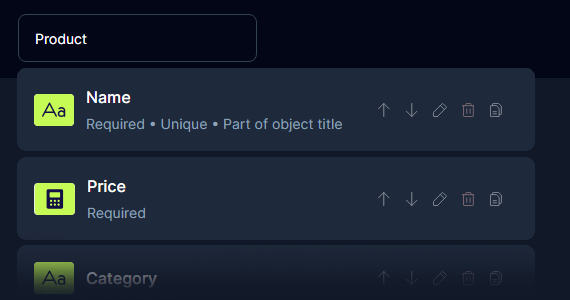
1. Define Your Data Model in the Flotiq Editor
Easily create and manage your content structure using the intuitive Flotiq editor.
2. Connect Your App with Flotiq (npx flotiq-setup)
Seamlessly link your application to Flotiq with our straightforward setup process using npx flotiq-setup command
npx flotiq-setup --nextjs

Server listening at http://localhost:5989
Your FLOTIQ_API_KEY: __API_KEY__
FLOTIQ_API_KEY updated in .env
Your .env files have been adjusted with your Flotiq API keys. You can close this terminal.
Server closed.
3. Inject a Personalized SDK into Your Project (@flotiq/flotiq-api-sdk)
Automatically generate a tailored TypeScript/JavaScript SDK customized to your data model.
yarn add @flotiq/flotiq-api-sdk
yarn exec flotiq-api-typegen

Types were saved to:  ./flotiq-api.d.ts
4. Start Using Flotiq SDK
Begin leveraging the power of Flotiq SDK in your development workflow immediately.
Unlock the Benefits of Using Flotiq SDK

Faster Development
Accelerate your project timelines with our efficient processes and powerful tools, designed to streamline your workflow and boost productivity.

Developer-Friendly
Enjoy a smoother, more intuitive development experience with user-friendly features that simplify your work and enhance your coding efficiency.

Intuitive Naming
Work with familiar, context-specific naming conventions that make code management easier and more intuitive, helping you maintain a clean and organized codebase.

Fewer Errors
Reduce mistakes and improve your code quality with built-in syntax autocompletion that offers intelligent code suggestions and helps you write error-free code.
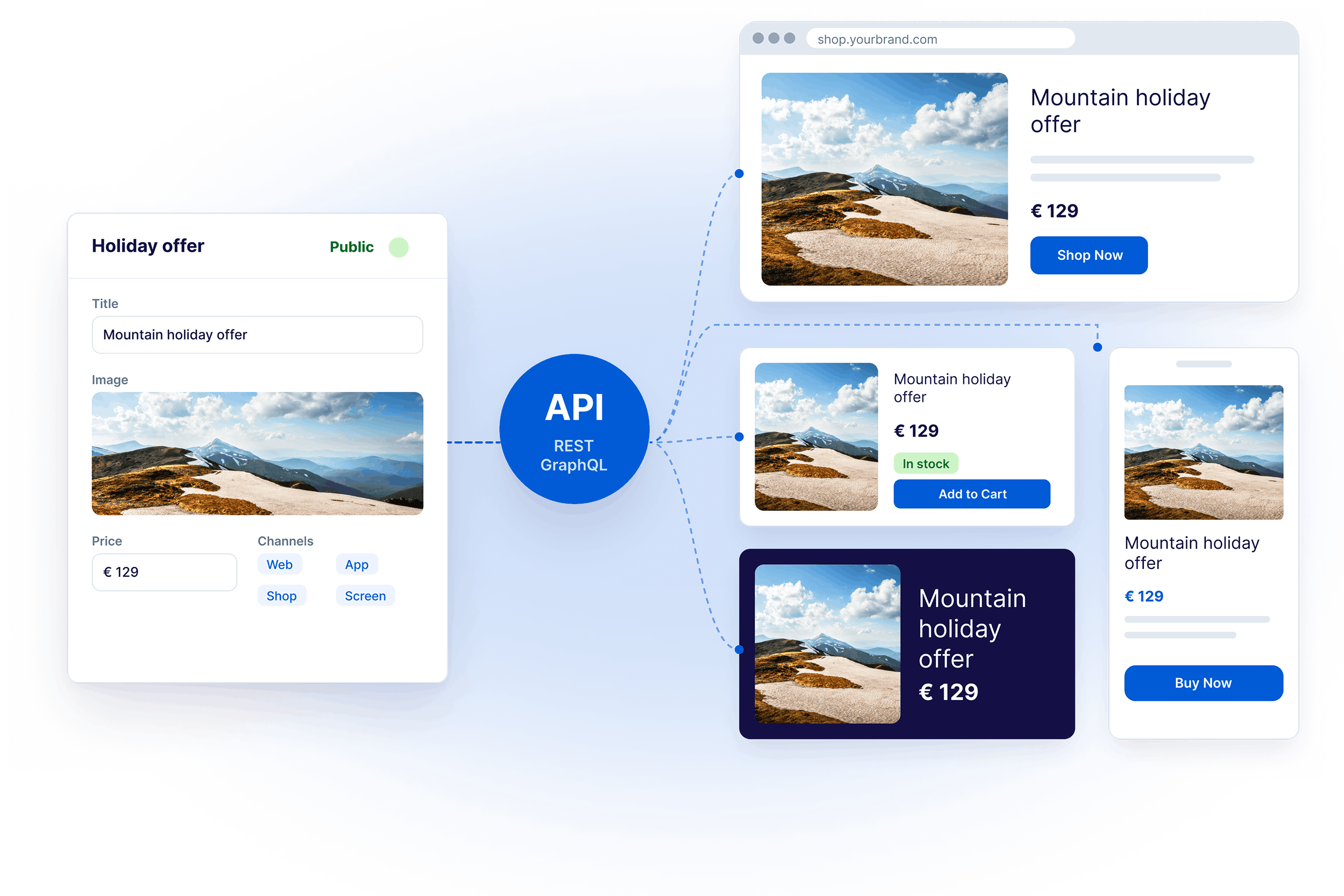
Your content. Your rules.
Deliver modern digital experiences across multiple channels.
 Flotiq. All Right Reserved 2026


