
The Multilingual and DeepL plugins have been combined into one. All configuration is now done in a single place, and the overall user experience has been improved. The Translate button has been repositioned for better visibility, and the list of languages is now scrollable.
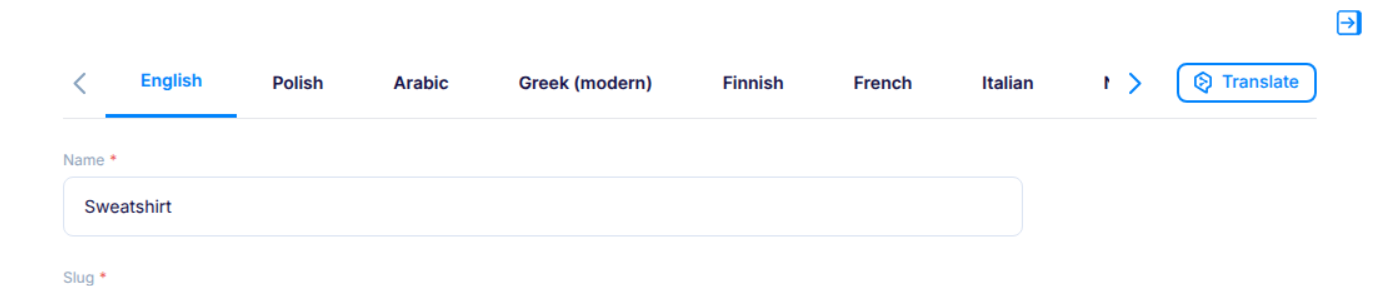
You only need to add and configure one plugin instead of two. Updating translation settings is faster and more convenient. The Translate button is easier to find. Managing a large number of languages is now much more user-friendly.
If a sync webhook fails to execute, the error is now displayed directly in the Content Object form.
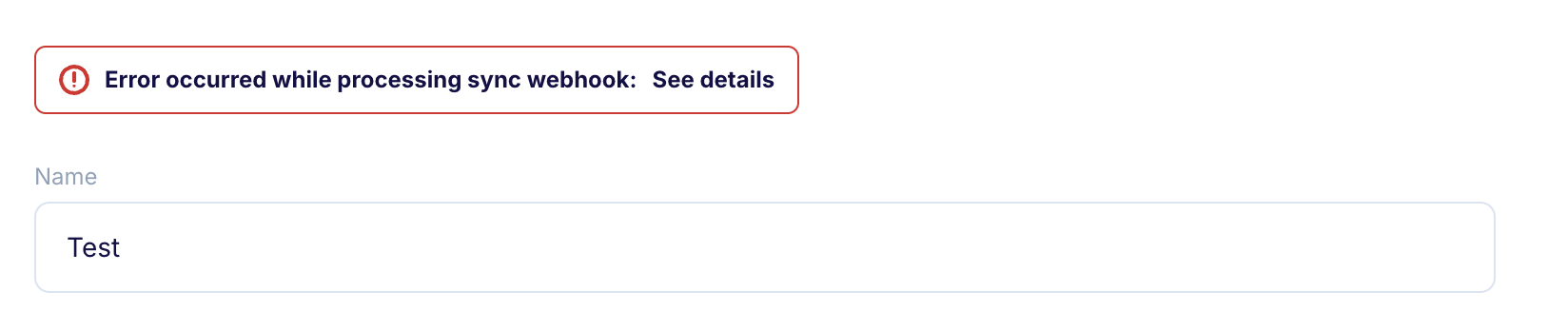
You can immediately see whether saving failed due to the object itself or a webhook execution issue. A clear message appears above the form with an option to view detailed error information. Troubleshooting webhook problems becomes faster and more transparent.
A direct link to GraphiQL has been added to the left sidebar menu.
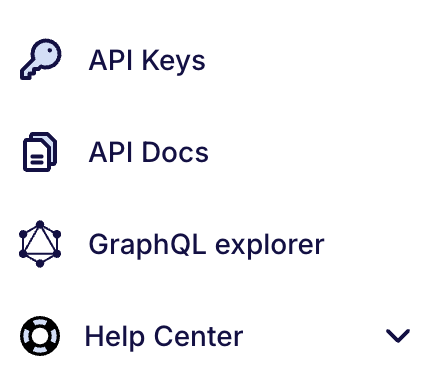
You can easily test and explore your GraphQL queries in the GraphiQL explorer with a single click. Faster access to development and debugging tools.
Join us on Discord!
We’d love to hear from you! Our Discord server is open to everyone – whether you’re using Flotiq or just exploring. Jump in to connect with our team, get real-time support, and chat with other users. For technical deep-dives, check out our documentation and visit our FAQ for quick answers to common questions. Thank you for being part of Flotiq. Your feedback drives our growth and helps us make the platform even better with every update.