Flotiq MCP Server in ChatGPT
This guide shows how to connect the Flotiq MCP Server to ChatGPT as a custom plugin.
Prerequisites
- Flotiq account
- ChatGPT plan that supports custom connectors
Setup
1. Enable Developer mode
Go to Settings → Plugins → Developer mode and turn on Developer mode.
2. Open plugins configuration
Go back to Settings → Plugins and click Browse plugins.
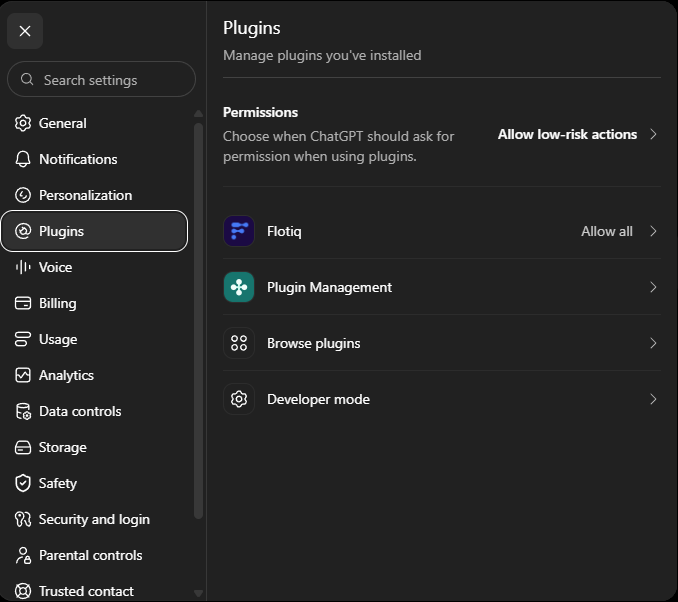
3. Create the plugin
Click create.

4. Enter the configuration
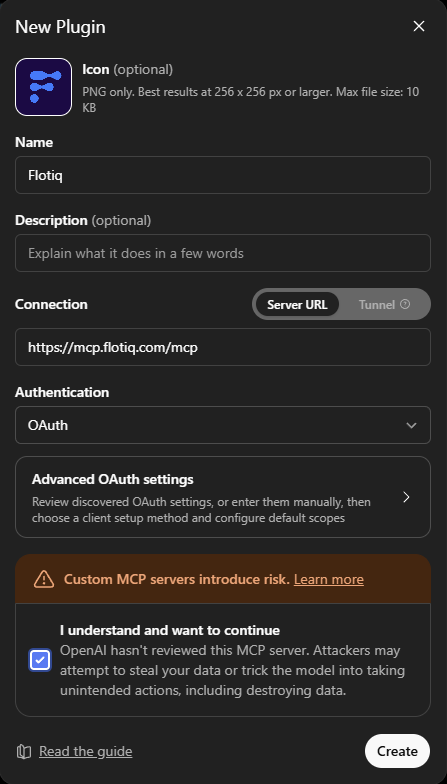
Confirm the risk notice and click Create.
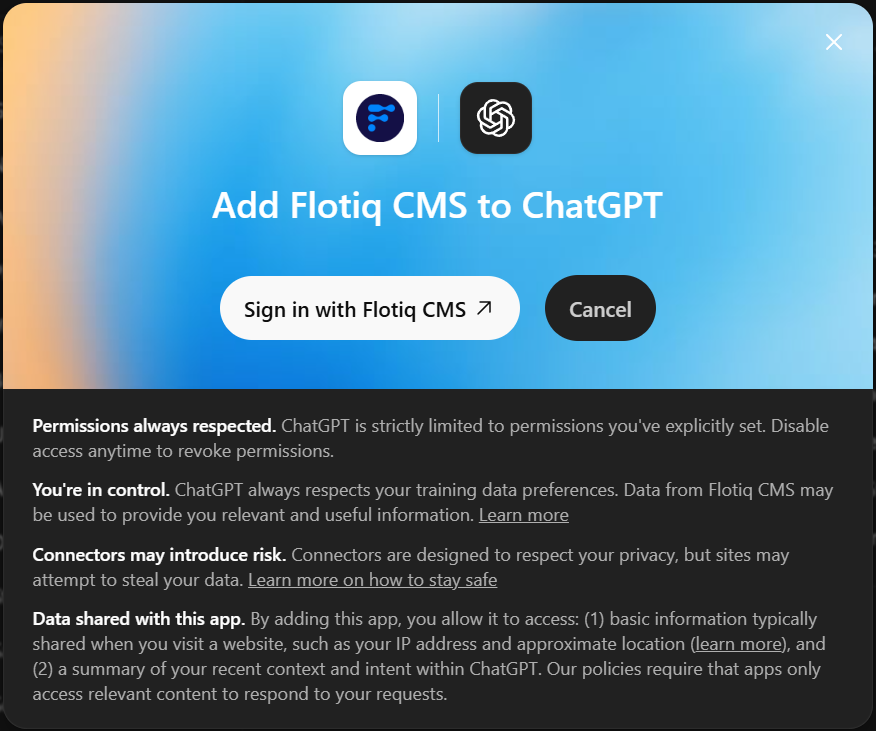
5. Sign in to Flotiq
Click Sign in with Flotiq CMS. Flotiq takes you through the authorization flow, where you pick the Space and the access scope.
Using the tools
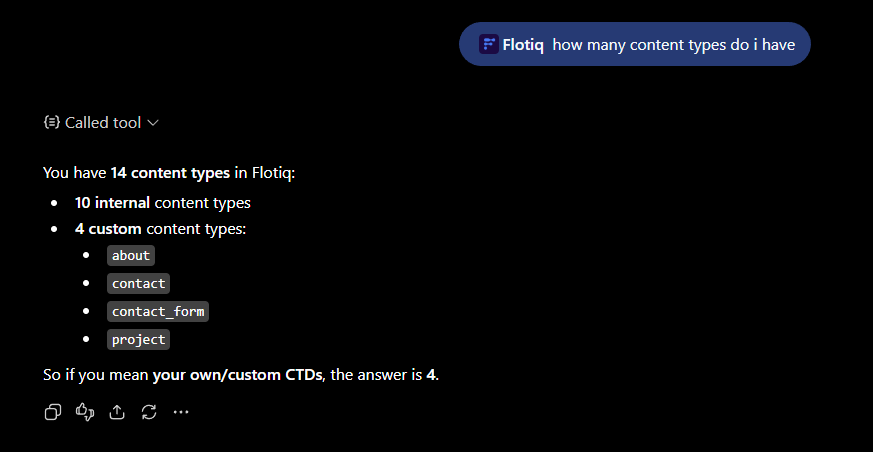
Start a new chat, make sure the Flotiq plugin is enabled in the message composer, and ask a question about your content:
Note
ChatGPT decides on its own which tools to call. Read Working safely with write tools before letting it create or update content.