Custom Links
Custom Links add a button with a dynamic link to the content object form. The link is filled in with data from the object currently being edited, giving you quick access to wherever that content is used.
Note
Custom Links were previously available as a plugin. They are now part of Space Settings and no longer require installing a plugin.
Configuration

Use Add link to create a new custom link, and the trash icon to remove one. Select a link to open its configuration.
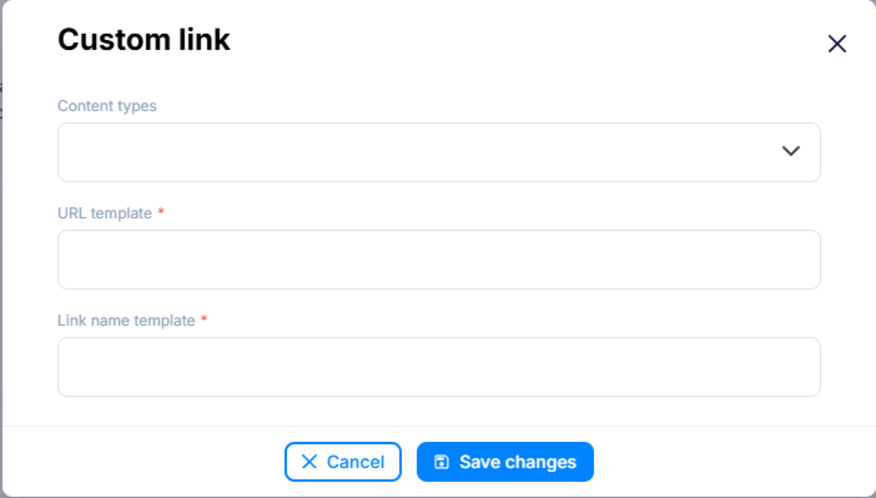
- Content types - The content types this link appears for. Leave empty to show the link for all content types.
- URL template (required) - It's a place to enter the link template,
e.g.
https://my-blog/post/{slug}, whereslugis the name of the content field of the type selected below. Instead of{slug}, you can use any field of a given content type, it is also possible to use nesting, e.g.{internal.createdAt}. You can also use list fields:{addresses[0].city}. - Link name template (required) - The label shown on the button. It can
also include object fields, for example
Open {title}.
Usage
Once configured, the custom link shows up as a button on the content object form. Its address and label are filled in with data from the object you are editing, so it always points to the right place for the current entry.
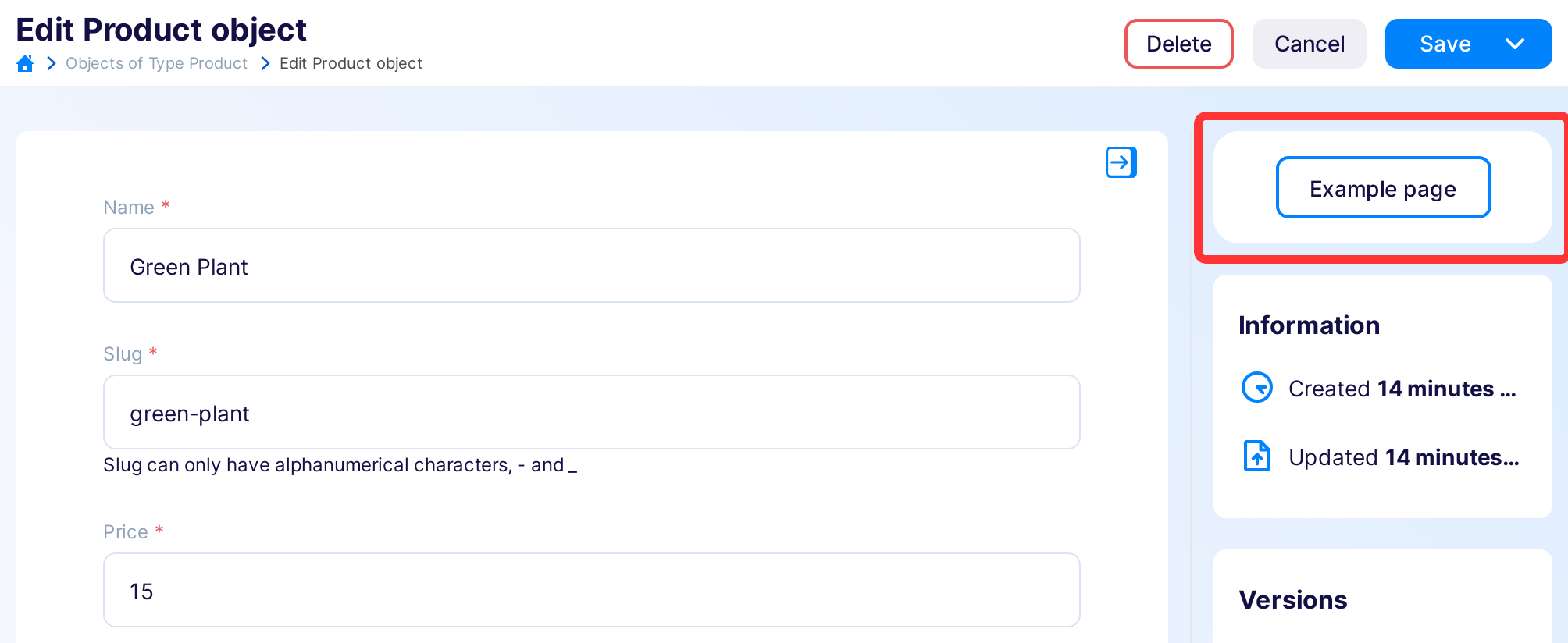
The link appears for the selected content types and is hidden while creating or duplicating an object.
Examples
Linking to a preview environment
A common use case is a direct link to a preview or staging environment from the editor. Configure a URL template that points to your preview site:
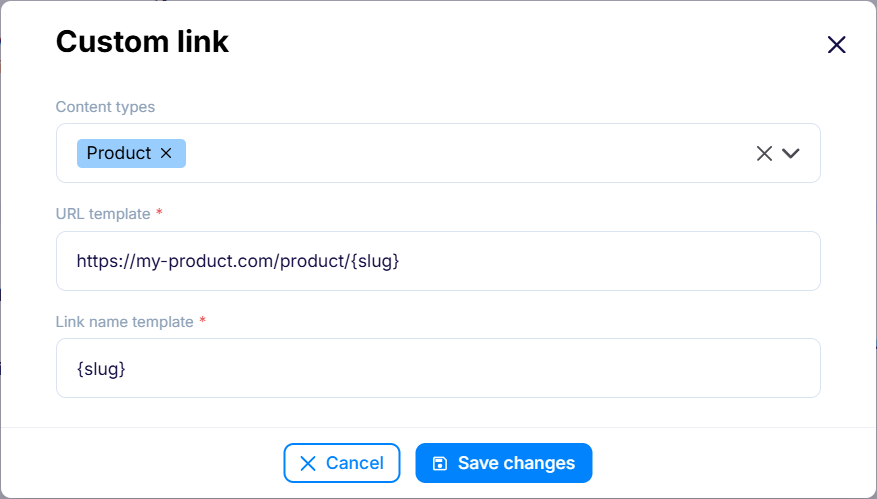
With an object like this:
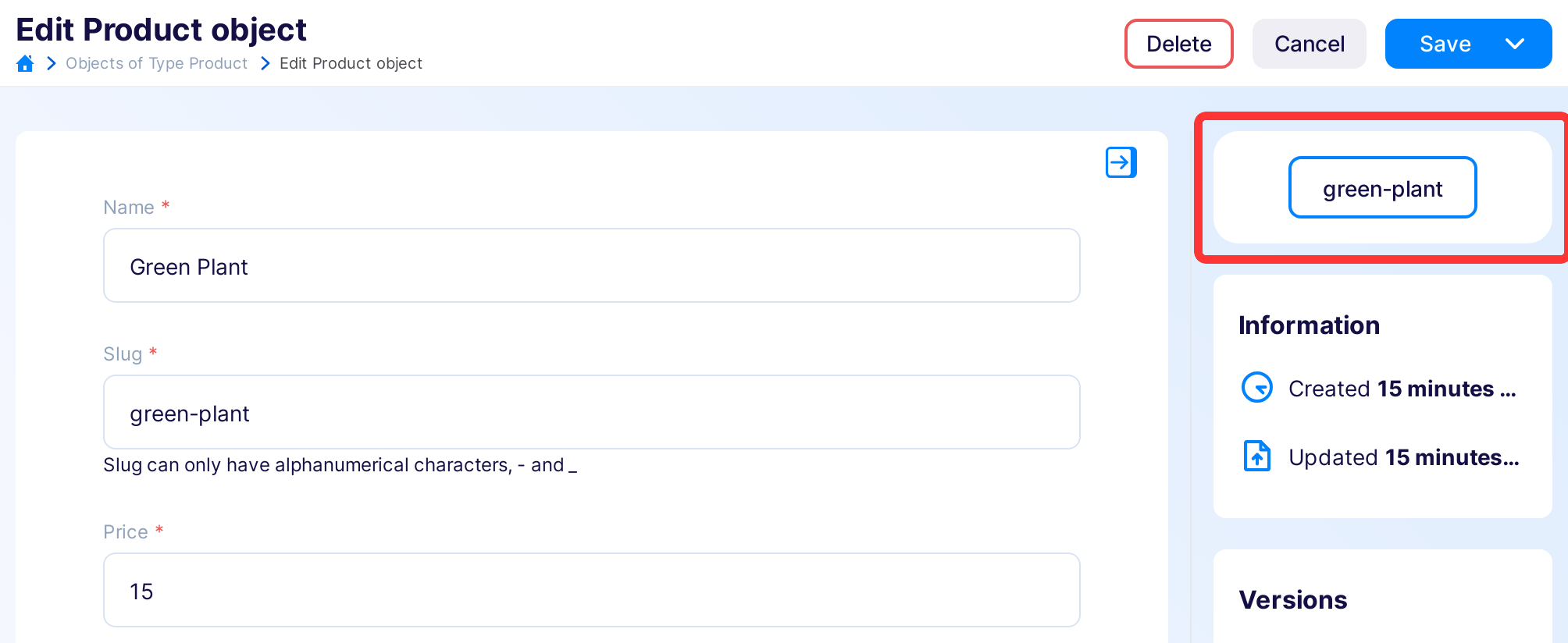
you get a green-plant link leading to
https://my-product.com/product/green-plant.
Complex routing
When a page URL needs several fields — for example a category name and a slug — combine them in the URL template:
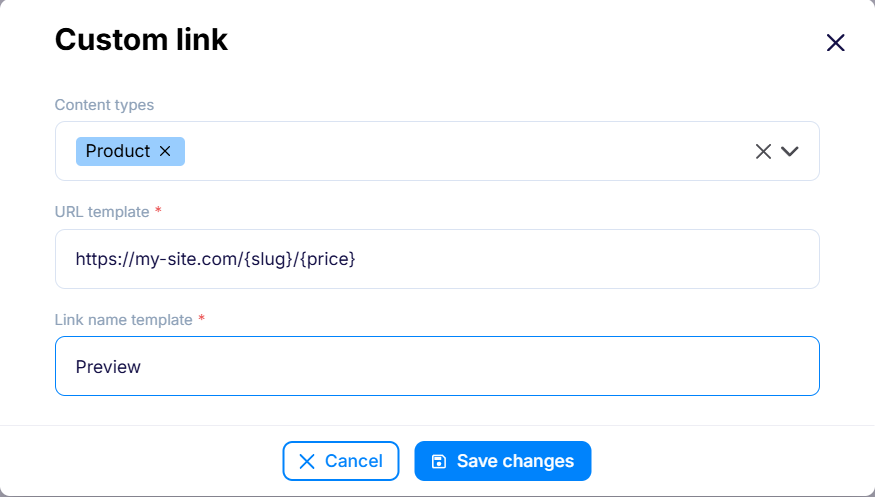
With an object like this:
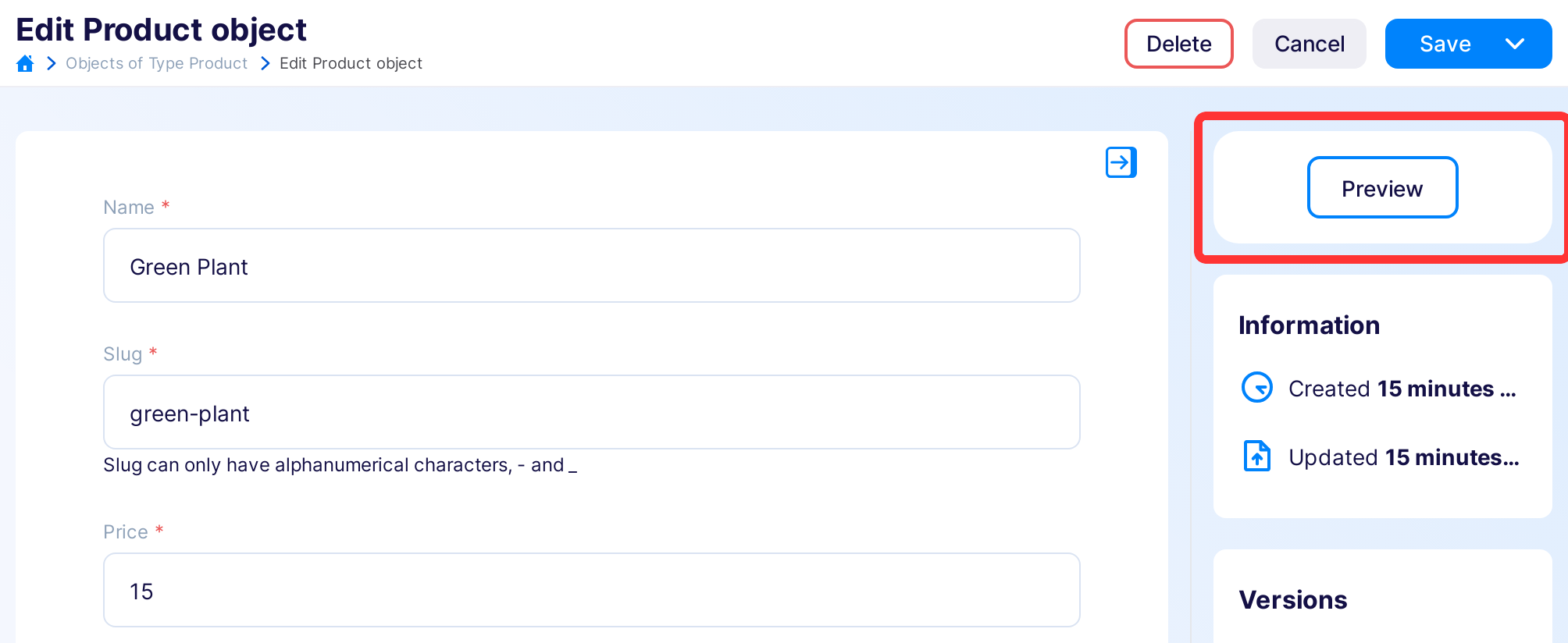
you get a link leading to https://my-site.com/green-plant/15.