Authentication
Flotiq supports standard login and enterprise single sign-on. Access after login depends on your assigned role and Space.
Standard account flow
Typical user access flow:
- A user is invited by an
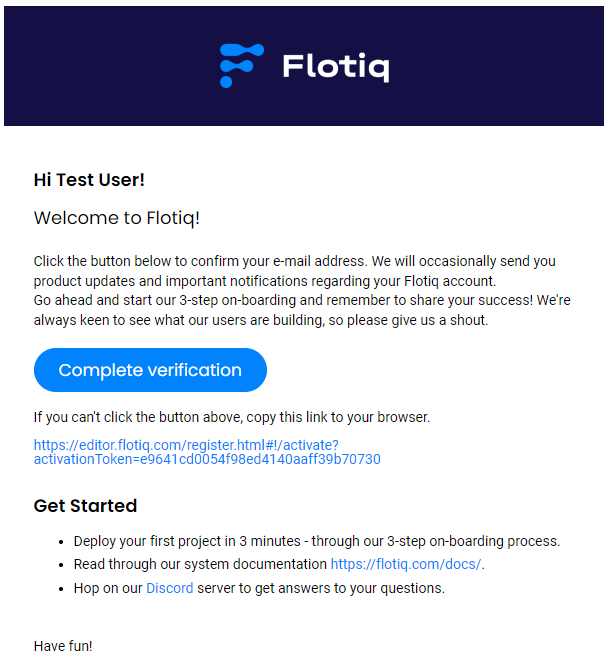
Organization Admin. - The user receives an invitation email.
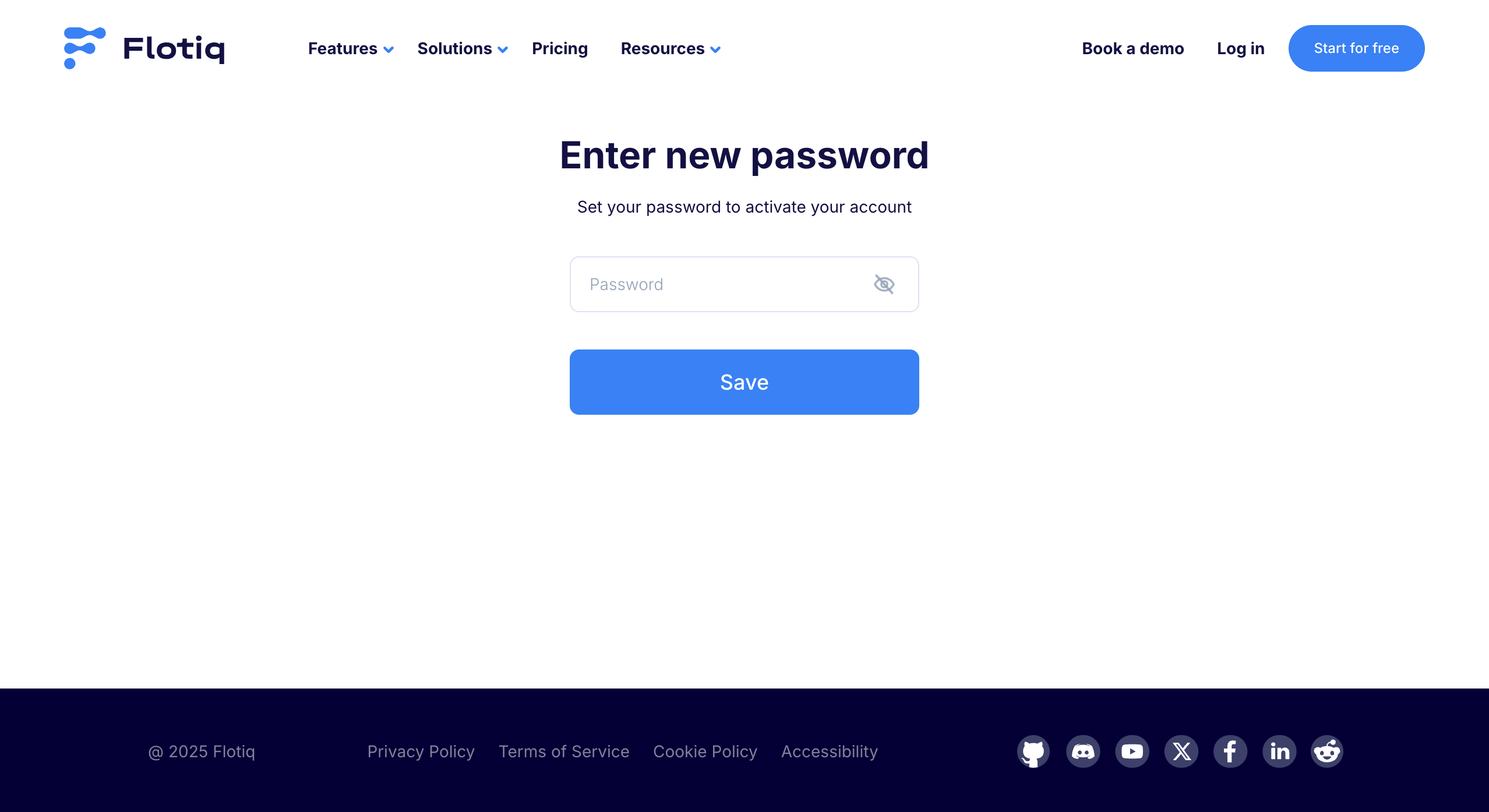
- The user sets a password and activates the account.
- The user signs in to the Flotiq Panel.
Enterprise SSO flow
Organizations on Enterprise plans can use Active Directory SSO.
SSO is typically configured by an Organization Admin together with an IT identity administrator.
With SSO enabled:
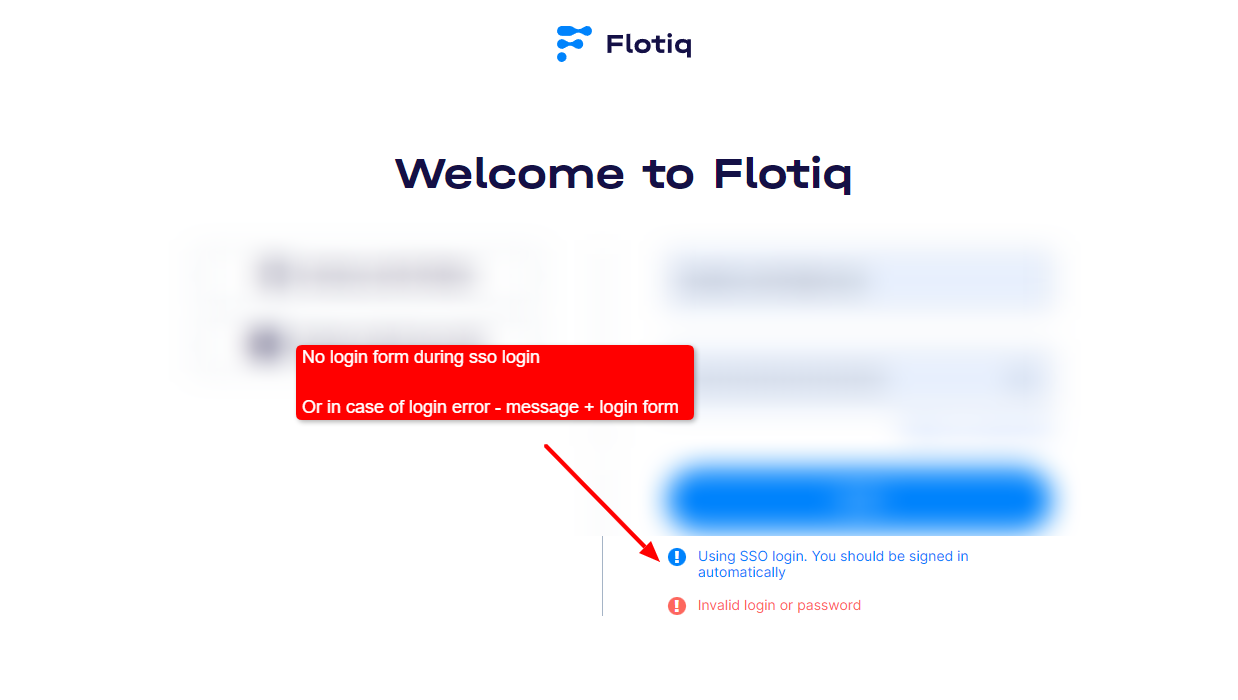
- users are automatically authenticated by the company login system (identity provider),
- the login form is skipped when authentication succeeds,
- standard login remains available as a fallback when SSO cannot authenticate the user.
For setup prerequisites and rollout steps, see SSO.
Authentication and authorization
Authentication confirms who the user is. Authorization controls what the user can access.
In Flotiq, authorization is defined by:
- Organization role (for organization-wide management),
- Space role (for content access within a selected Space).
See User Roles for role details.
API access note
Panel login credentials and API keys are separate authentication methods. For API keys and scoped access, see API access & scoped keys.