Account Settings
This page explains where account-related settings are managed in the Flotiq Panel and which role is required.
Settings scope
Flotiq has two settings scopes:
- User account settings for your profile data and password.
- Organization settings for users, Spaces, and billing.
User account settings
To update your profile data, open the Users section and edit your user record.
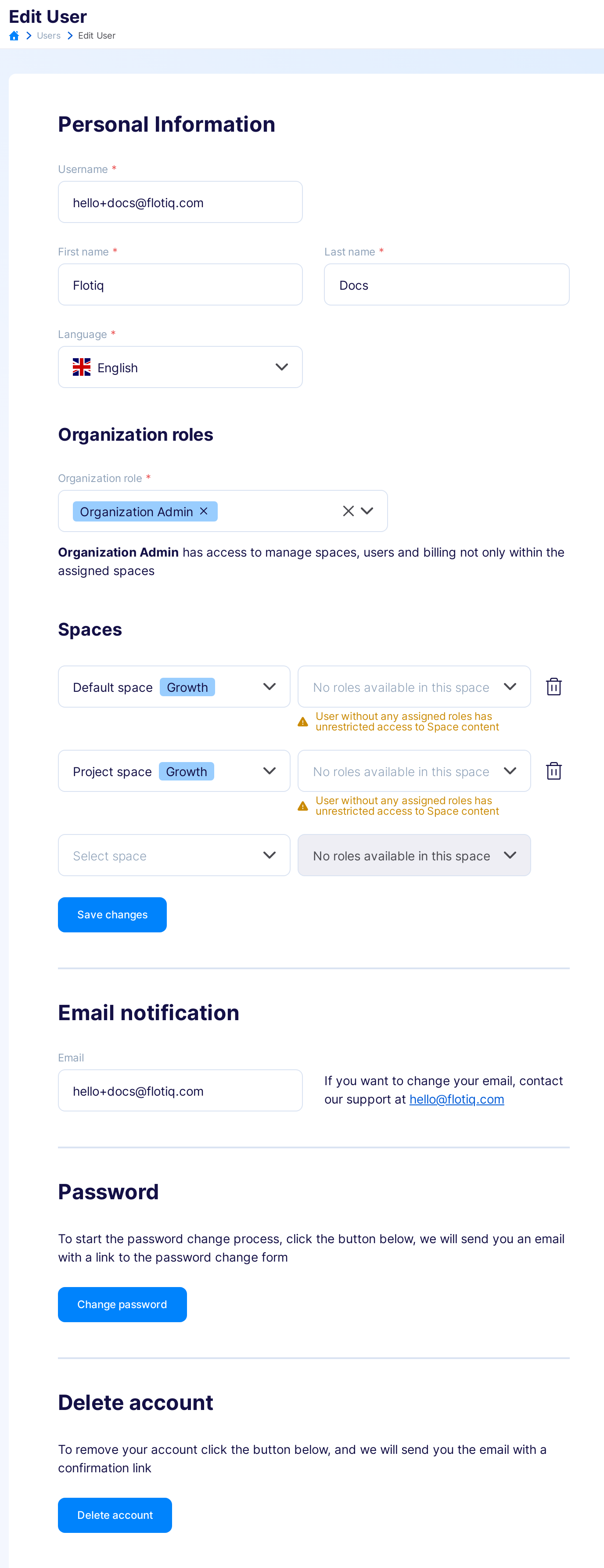
Typical updates include:
- Display name
- Password
- Email preferences
Organization settings
Use Organization Settings to manage account-wide configuration.
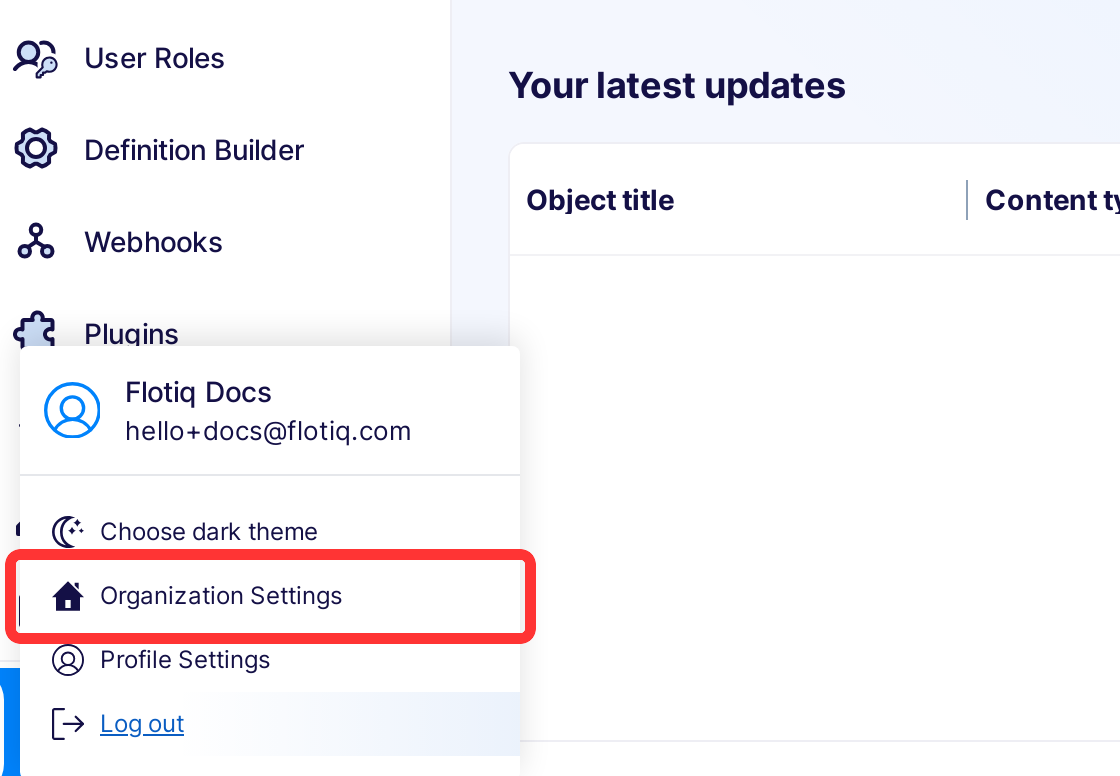
From there, you can:
- Manage users in the Organization
- Manage Spaces and usage
- Access billing and invoices
Role requirements
- Organization Admin can manage organization-wide settings.
- Users without organization admin permissions can only manage their own account-level details.