Duplication
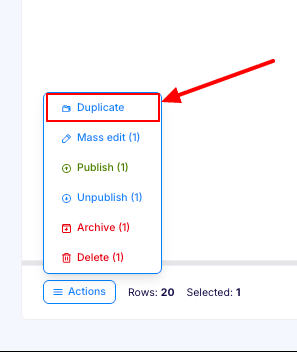
Flotiq helps teams scale content faster by letting you duplicate Content Objects in seconds. Reuse proven structures and data without manual re-entry, keep content consistent, and reduce repetitive work. To duplicate an object, open the Content Object list view and click the duplicate icon next to the item you want to copy.
Duplicating Content Objects
For scale and operations guidance, see Advanced duplication patterns.
Flotiq makes duplicating Content Objects fast and effortless. Create a new object based on an existing one in seconds, without re-entering data or rebuilding relations.
To use this feature, go to the Content Object list view select and click the duplicate icon next to the object you want to copy.
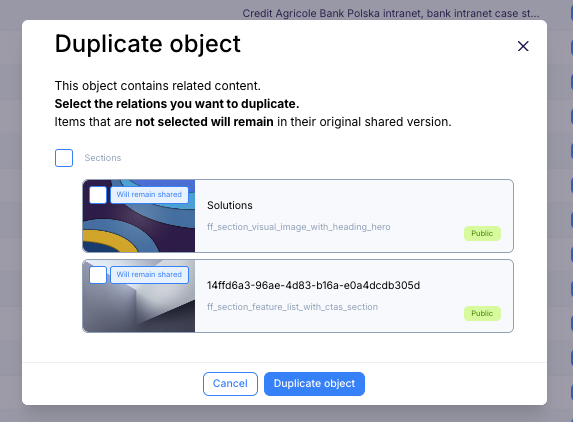
A modal window will open with available relations for duplication, so you can quickly duplicate the object and its
relations. or you can leave the relations out and duplicate only the object itself. After selecting the relations you
want to duplicate, click the Duplicate button.
Limitations
Some relations are not available for duplication, such as images or tags. In these cases, Flotiq creates a new object that keeps shared relations, so your content stays consistent and ready to use.
After duplication, Flotiq automatically updates unique and required fields by adding a hash suffix, so each new object stays unique and ready to use right away. You can edit these values at any time to match your content needs.