Flotiq MCP Server in GitHub Copilot CLI
This guide shows how to add the Flotiq MCP Server to GitHub Copilot CLI.
Prerequisites
- Flotiq account
- GitHub Copilot CLI installed and authenticated with your GitHub account
Setup
1. Add the server
Start Copilot:
copilot
Run the /mcp add command and fill in the form:
| Field | Value |
|---|---|
| Name | FlotiqMCP |
| Server Type | HTTP |
| URL | https://mcp.flotiq.com/mcp |
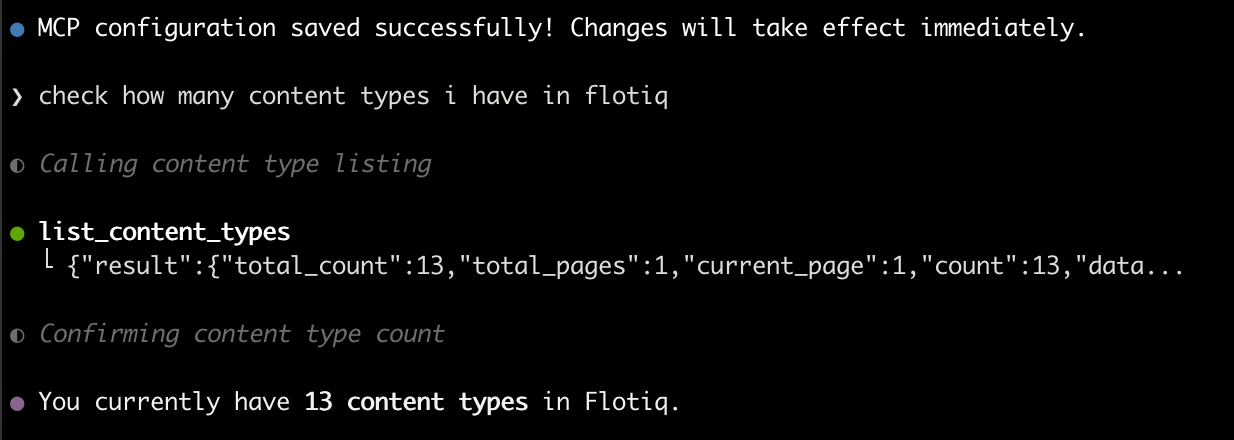
Press Ctrl + S to save. Copilot confirms with MCP configuration saved successfully.
2. Authorize
Press Enter on the authorization prompt to start the Flotiq authorization flow, where
you pick the Space and the access scope.
Check the configuration
Ask Copilot about your content: